
Give Old Job Photos a Fresh Purpose on Tour Tradie Social Feed
You can post an old job photo again without repeating the same message. Use this sorting system, reuse matrix and caption checklist to give each post a useful new purpose.

Yes, you can reuse job photos. Give each reused image a different purpose, such as explaining a detail, answering a customer question or showing the steps behind the finished work. Check permission, make sure the photo still represents your services, and put other projects between appearances of the same job.
The aim is not to disguise old work as something you finished yesterday. It is to make your existing photos useful again. A different border and the same caption is still much the same post.
Which old job photos are worth reusing?
Start with one folder of completed jobs, not your entire camera roll. Choose images that are clear, show work you still want to do and have enough context for you to describe them accurately.
Use this quick decision check:
- Reuse: the photo is clear, you have permission for the intended use, and you can explain something you have not covered before.
- Hold: permission is unclear, the job details need checking or private information is visible.
- Retire from marketing: the shot is blurry, does not represent your current services or needs a misleading edit to look presentable.
Keep retired marketing shots in your job records if you need them. Removing a photo from your posting shortlist does not mean deleting the original.
For Google Business Profile specifically, Google's photo guidance calls for focused, well-lit images that represent reality, without significant alterations or excessive filters or AI. Use that as a sensible selection standard for your wider photo bank too.
How do you build a photo bank you can actually use?
Keep the system simple enough to update after a long day. A phone album and a small spreadsheet are a reasonable starting point.
- Group photos by job. Use an internal job nickname, service type and completion month. Keep client names and full addresses out of public filenames and captions.
- Label the view. Mark each shortlisted image as before, process, detail or finished work.
- Record permission. Note what the client agreed to, which channels were discussed and where you saved that agreement. If they supplied the photo, confirm permission from whoever owns it too.
- Add one useful fact. Record the actual problem, material choice or detail you could explain. Do not rely on remembering it months later.
- Track use. Note when you posted it, the channel and the angle you used. Leave room for the next possible angle.
For example, a private note might read: “Bathroom renovation, finished wide shot, previously used for reveal, next angle: tile layout.” That gives you somewhere to start without writing the whole post now.
Keep an untouched original alongside any posting versions. Make your crops from a copy so you can return to the full context later.
What can you change without repeating the same post?
Change the reader's takeaway first. Then choose a crop, opening line or format that supports it.
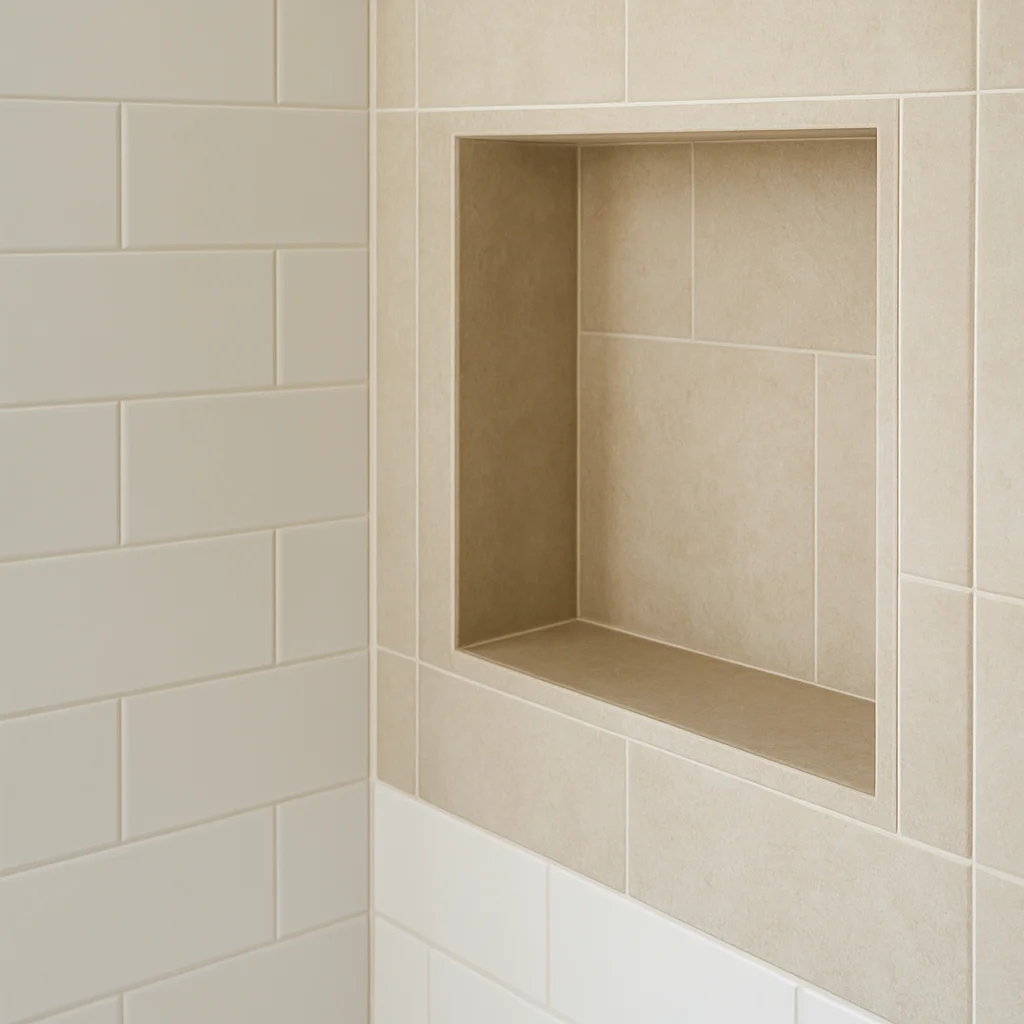 A detail view gives a completed project a different focus.
| Existing photo | Fresh angle | Treatment to try | Keep it honest |
|---|---|---|---|
| Finished wide shot | Explain one client choice | Same image with a question-led caption | Only describe choices you can confirm |
| Close-up of a finish | Show a detail worth noticing | Tighter crop and a short explanation | Do not crop out context that changes the claim |
| Work-in-progress shot | Explain what happened before completion | Process post or multi-image sequence | Make the stage of work clear |
| Matching before and after | Show what changed | Side-by-side layout or carousel | Use the same job and label the stages accurately |
| Several useful job photos | Walk through the project | Short slideshow or reel made from stills | Present it as a project recap, not live footage |
If your archive is mostly finished wide shots, look for a useful detail within the original before reaching for another filter. If the crop becomes blurry or removes essential context, keep the wider image and change the explanation instead.
For help choosing the right view, our guide to progress shots versus finished-work photos explores that decision in more detail.
A new headline can also help frame the subject. Replace “Another job done” with a genuine question such as “What should you decide before choosing tiles?” Then answer it using facts you know about that project.
What should a reused photo's caption say?
Use this formula: honest context + one useful detail + a relevant question or next step.
“From an earlier project” is enough to establish timing when it matters. You do not need to apologise for sharing older work, but avoid “today's job” or “just finished” unless that is true.
Hypothetical example: a tiler reusing a completed bathroom photo. These caption swaps assume the stated details match the actual job:
- Reveal angle: “A look back at this bathroom renovation. The finished floor and wall tiles are shown together here. Which view would help you plan yours?”
- Detail angle: “Same bathroom, closer look. This crop shows how the tile layout meets the niche. Keep details like this on your list when discussing the layout.”
- Planning angle: “From an earlier bathroom project: the finished photo is useful for discussing where tile cuts will land. Bring your reference photos to the planning conversation.”
Do not add invented savings, client praise or performance claims to make the second caption sound stronger. If all you know is what the photo shows, stay with that.
In Australia, the ACCC's social media advertising guidance says Australian Consumer Law applies to business social posts and that claims must be true, accurate and provable. Old work needs an accurate description just as much as new work does.
How far apart should you post the same project?
Use variety as the test rather than treating a fixed gap as a platform rule. The sample below is an editorial starting point, not a measured best-performing schedule.
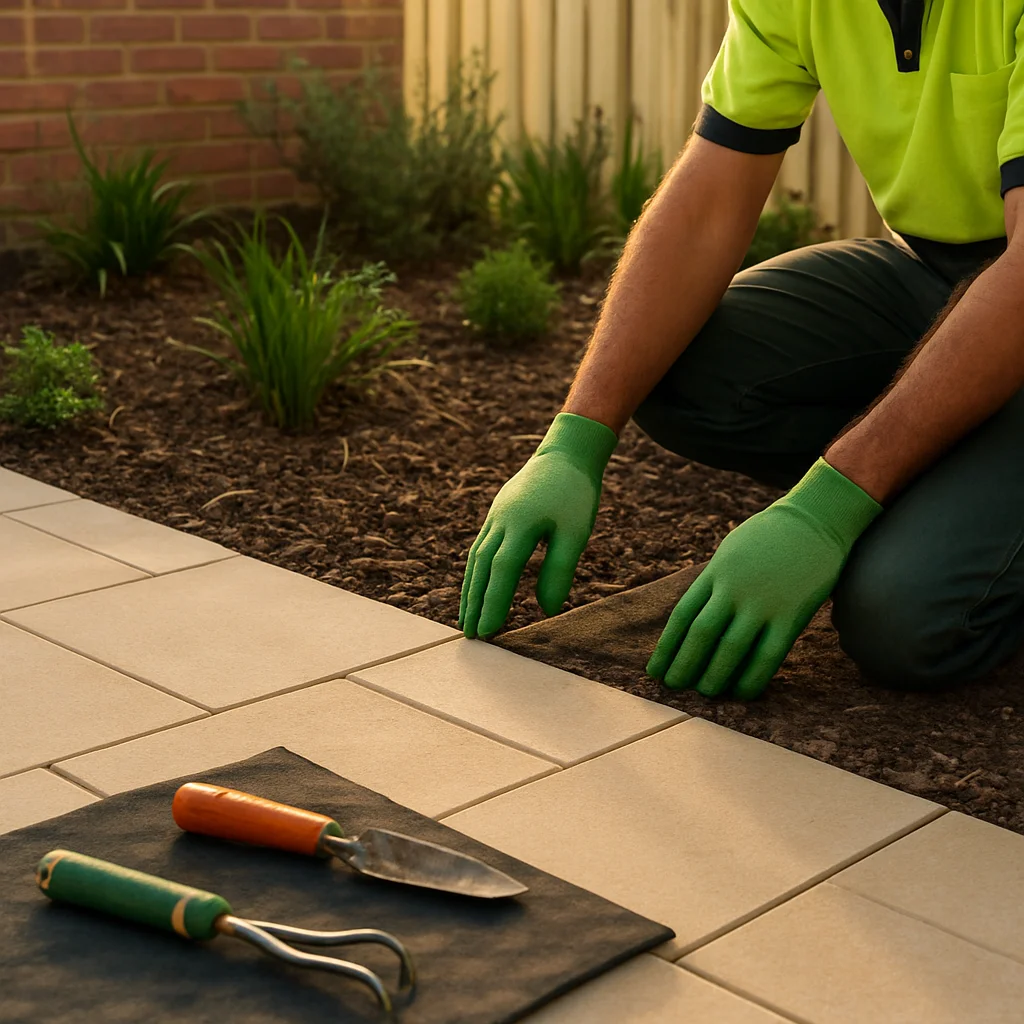 Return to a project with a different detail, with other work between appearances.
Example rotation for a hypothetical landscaping business:
- Week one: share the finished courtyard from an older project, focusing on the overall layout.
- Week two: show progress on a different job and answer a service question.
- Week three: return to the courtyard with a close-up of the edging and explain that detail.
- Week four: feature another service or a different completed project.
- Week five: use a genuine before-and-after pair from the courtyard as a recap.
If you post less often, stretch the rotation out. A fortnight between posts does not create much variety if both posts use the same wide shot and say the same thing.
Before scheduling, scan your recent and planned posts together. Ask whether you have repeated the same project, camera angle, opening line or message. If the next post adds nothing useful, leave that photo in the bank for now.
This approach builds on Business.gov.au's recommendation to plan content in advance and use a content calendar. The particular rotation is a practical suggestion, not government guidance.
What permission and privacy checks should you make?
As a cautious working practice, get client permission before reusing photos of their property. Check whether an earlier agreement covered ongoing social media use rather than assuming a one-off approval covers every future post.
Before posting, inspect the full image and any reflection for:
- Faces, children or personal belongings the client may not want shown.
- House numbers, vehicle plates, mail, plans or paperwork.
- Access codes, keys, security equipment or other sensitive details.
- Location references in the caption that identify a private home unnecessarily.
Where possible, choose another shot instead of trying to edit around a privacy problem. If the client supplied the image, check both their approval and the photographer's permission where relevant.
These are practical safeguards, not a complete statement of Australian privacy or copyright law. This is general information, not legal advice. If permission or ownership is unclear, hold the image back and get advice suited to the situation.
Where does TradiesPost fit in this workflow?
TradiesPost's Content Library keeps designs, photos and videos together so you can reuse suitable material. Its photo-to-post workflow also lets you turn completed-job photos into branded posts with AI-written captions and design options.
Use the AI draft as a starting point, not as evidence about the job. Check the timing, materials, permission and every claim before approving it.
The Planner lets you review designs, edit captions and approve posts. The Calendar shows upcoming content and lets you move scheduled posts, so you can spread appearances of the same project across future dates. You can review these content creation and scheduling features against the parts of your current process that need help.
If you only post occasionally and enjoy writing captions, phone albums and a spreadsheet may be enough. A dedicated tool is worth considering when organising photos, preparing posts and managing dates are the jobs you keep putting off.
When you're ready to put your photo bank to work, try TradiesPost.
Frequently asked questions
Can I repost the same job photo twice?+
Yes, as a content choice, provided you have permission for the intended use and describe the work accurately. Give the second post a different purpose, such as explaining a detail or answering a customer question, rather than repeating the original caption.
How often should tradies post the same project?+
Use the mix of recent and planned posts as your guide. Put other projects, services or useful questions between appearances of the same job. The example rotation in this guide is a starting point, not a platform rule or a proven best-performing interval.
How do I make old job photos look fresh?+
Start with a new takeaway. Try a useful detail crop, a genuine before-and-after pair, a process sequence or a project recap made from stills. Do not alter the work or hide context to imply a result the original photo does not support.
Should I say that a project photo is old?+
Use wording such as 'from an earlier project' or 'a look back' when timing could otherwise be misleading. Avoid 'just finished' or 'today's job' for older work.
Can I use client property photos on Instagram in Australia?+
As a cautious practice, get permission for the intended use, check any photographer's rights and remove private details before posting. Do not assume approval for one post covers ongoing reuse. These checks are not a complete legal assessment; seek advice if ownership or permission is unclear.
About the author
StitchedUp TeamEditorial team
Practical guides for Australian tradies on quoting, getting paid, winning work and running the business side.
How we research and review articlesKeep reading
Social media · 20 October 2026
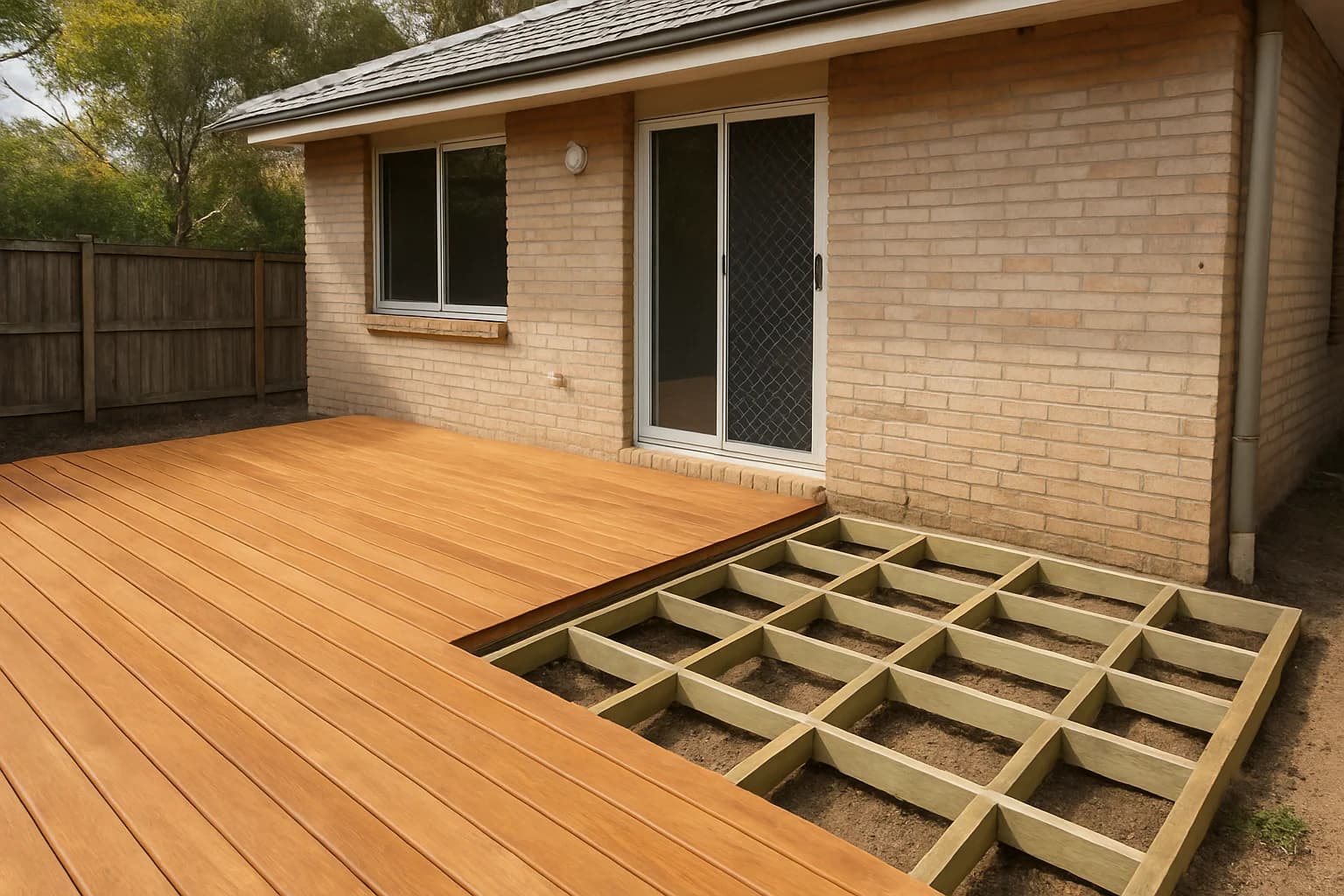
Should tradies share more progress shots or finished work?
Lead with the finished result, then use before and progress photos to explain the work behind it. Here’s how to choose a useful mix for your trade.

Payments & accounting · 20 October 2026
Chase overdue invoices firmly without losing good customers
You don't need to apologise for asking to be paid. Use this practical follow-up sequence, with email and SMS wording, to stay polite, clear and firm.
TradiesPost
Your social media, sorted in 10 minutes